

What Does Haptic Feedback Mean?
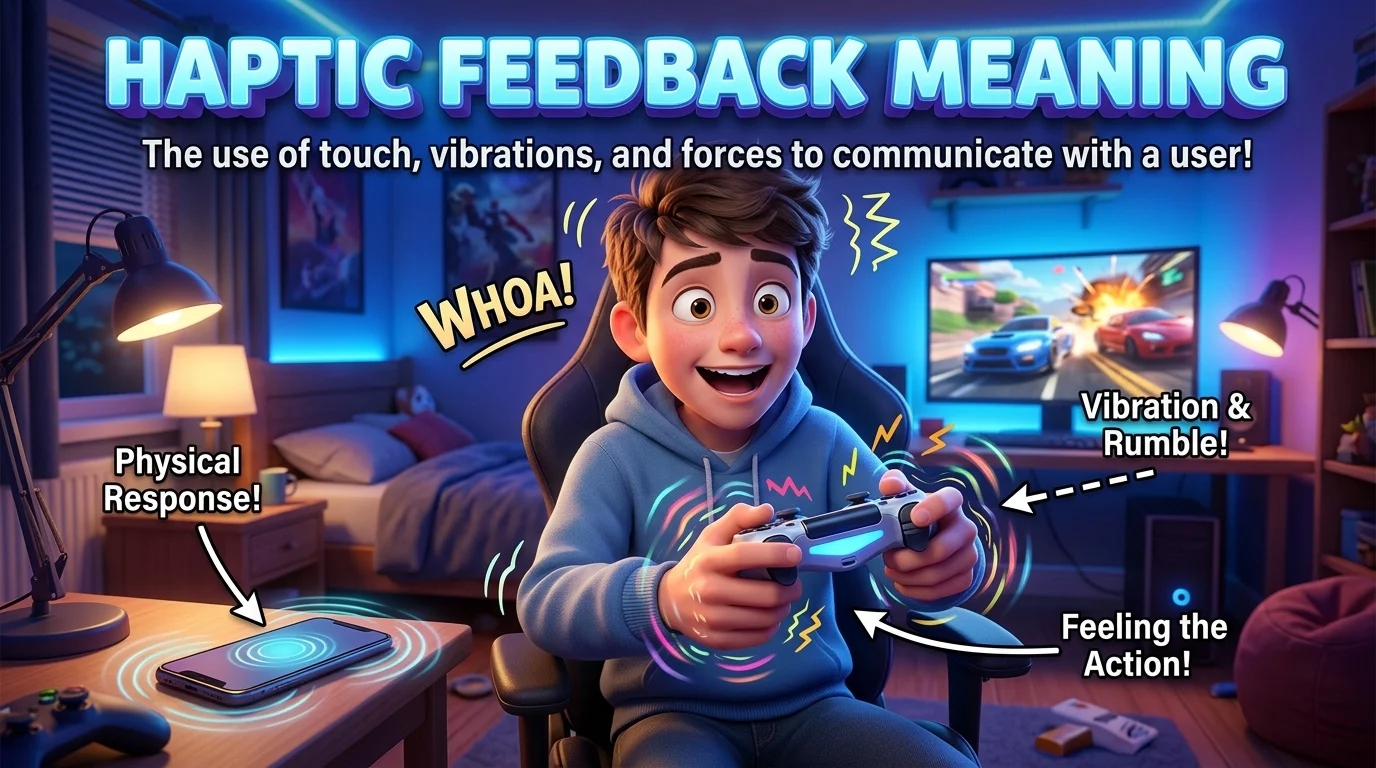
Haptic feedback is a technology that uses physical sensations to communicate information or confirm an action. These sensations are delivered through a device that touches the user’s body, typically through vibration, pressure, movement, or other tactile effects.
The word haptic relates to the sense of touch. The word feedback refers to a response provided after an action or event. Together, the term describes a system that responds to digital activity through physical sensations.
For example, when you press a virtual button on a smartphone and feel a short vibration, the device is providing haptic feedback. The sensation can confirm that the touch was registered.
Quick Definition Box
| Element | Meaning |
|---|---|
| Term | Haptic feedback |
| Basic definition | Physical sensations that communicate information or confirm an action |
| Main sensory channel | Touch |
| Common forms | Vibration, pulses, taps, simulated pressure |
| Common devices | Smartphones, gaming controllers, smartwatches, vehicles |
| Primary purpose | Improve interaction, awareness, and responsiveness |
| Related term | Tactile feedback |
The Deeper Meaning of Haptic Feedback
Haptic feedback is more than a device vibrating randomly. Its purpose is to connect a digital event with a physical sensation that the user can feel.
1. Confirmation Through Touch
One of the most common uses of haptic feedback is confirming that an action has occurred.
For example, a phone may produce a brief vibration when you activate a setting, press a virtual keyboard key, or use a gesture. The sensation provides an additional signal that the device has recognized your input.
This can make a touchscreen feel more responsive, especially when there is no physical button to press.
2. Simulating Physical Sensations
Haptic technology can imitate certain physical experiences. A gaming controller might produce a soft vibration when a character walks across a surface and a stronger rumble during an explosion.
The sensation does not reproduce the real event perfectly. Instead, it creates a designed physical cue that helps the user interpret what is happening on the screen.
3. Communicating Information Without Sound
Haptic feedback can deliver signals without requiring a sound or visual alert. A smartwatch might gently tap the wrist to indicate an incoming message, while a navigation device may use vibrations to signal a direction.
This can be useful in noisy environments, quiet spaces, or situations where the user cannot constantly look at a screen.
4. Creating a More Immersive Experience
In gaming, virtual reality, and simulation systems, haptic feedback can make digital interactions feel more engaging. A controller’s vibration can correspond with an on-screen event, helping the user feel more connected to the action.
The quality of the experience depends on how well the sensation matches the event. Unnecessary or poorly timed vibrations can become distracting rather than immersive.
5. Supporting Accessibility
Haptic feedback can provide an alternative or additional way to receive information. People who cannot easily hear an alert may benefit from a vibration, while users who have difficulty seeing a screen may use tactile signals as part of an accessible interface.
However, haptic feedback does not meet every accessibility need. Its usefulness depends on the person’s sensory abilities, the device, and the clarity of the signals.
How Does Haptic Feedback Work?
Haptic feedback systems use hardware and software to turn a digital event into a physical sensation.
Step 1: An Action or Event Occurs
The process begins when a user performs an action or a device detects an event.
For example, you tap a virtual key, receive a notification, or reach a specific point in a game.
Step 2: Software Selects a Haptic Response
The operating system or application determines whether a physical response should occur. It may select a short tap, a sequence of pulses, or a longer vibration.
Different patterns can represent different types of events.
Step 3: A Haptic Actuator Produces Movement
A component inside the device generates the physical response. Common technologies include:
Eccentric rotating mass (ERM) motors: Use a rotating off-center weight to create vibration.
Linear resonant actuators (LRAs): Move a mass back and forth to create controlled vibrations.
Piezoelectric actuators: Use electrical signals to produce small, rapid physical changes that can create precise tactile effects.
Not every device uses the same technology. The choice depends on cost, available space, power consumption, and the type of sensation the manufacturer wants to create.
Step 4: The User Feels the Sensation
The vibration or movement reaches the user’s hand, wrist, or another point of contact. The brain interprets the sensation in relation to the action or event.
A brief, subtle tap might communicate confirmation, while a repeated pattern could signal a warning or notification.
Common Types of Haptic Feedback
Haptic feedback can take several forms, depending on the hardware and purpose.
Vibration Feedback
Vibration is the most familiar type. A device shakes or pulses to communicate an event.
Example: A phone vibrates when a call arrives or an alarm goes off.
Tactile Feedback
Tactile feedback refers to sensations perceived through touch, including small taps or pulses. It is often used as a broad term for the physical responses provided by interactive devices.
Example: A touchscreen produces a short pulse when the user presses a virtual control.
Force Feedback
Force feedback uses physical resistance or movement to simulate forces. It is common in steering wheels, specialized controllers, robotics, and simulation equipment.
Example: A racing wheel resists turning or pulls in response to a simulated vehicle’s movement.
Texture Simulation
Some advanced haptic systems attempt to simulate the feeling of different textures or surfaces through carefully controlled vibrations or friction.
Example: A specialized touchscreen may create sensations that help a user distinguish between different virtual surfaces.
Wearable Haptics
Wearable devices deliver tactile signals through contact with the body, such as the wrist or fingertips.
Example: A smartwatch taps the user’s wrist to signal an incoming notification or navigation instruction.
Haptic Feedback Meaning on a Phone
On a smartphone, haptic feedback usually refers to the vibrations or tactile responses that occur when you interact with the touchscreen or receive alerts.
Common examples include:
A slight vibration while typing on the virtual keyboard.
A subtle pulse when pressing and holding an app icon.
A tactile response when using system gestures.
A vibration when receiving a message or call.
A physical response when interacting with certain controls or menus.
What Does Haptic Feedback Mean in iPhone Settings?
On an iPhone, haptic feedback generally refers to tactile responses provided by the device during supported interactions. The exact options depend on the iPhone model and iOS version.
Some settings control system haptics, while other options relate to keyboard feedback, alerts, or accessibility. Enabling haptics can make supported actions feel more physical, while disabling them may reduce the number of sensations the phone produces.
What Does Haptic Feedback Mean on Android?
On Android phones, haptic feedback commonly refers to touch-related vibrations, keyboard responses, and other system or app sensations.
Available controls vary by manufacturer and Android version. Settings may use labels such as Touch feedback, Vibration and haptics, or Haptic feedback.
Users can often adjust the strength of certain vibrations or turn particular effects off.
Haptic Feedback in Gaming
Haptic feedback is particularly important in gaming because it connects in-game events with physical sensations.
For example, a controller may vibrate when a character takes damage, a vehicle drives over rough terrain, or a player fires a weapon. Some advanced systems use different patterns or intensities to represent different events.
These effects can provide several benefits:
Greater immersion: Physical sensations can make game events feel more immediate.
Additional information: Different vibration patterns can communicate what is happening.
Improved responsiveness: A tactile response can reinforce that an input or event has been registered.
More expressive gameplay: Developers can use touch to support the atmosphere and emotional impact of a game.
However, more vibration does not automatically mean a better experience. Well-designed haptics are usually meaningful, appropriately timed, and adjustable.
Benefits of Haptic Feedback
Haptic feedback offers practical benefits when it is designed to support a clear purpose.
Better User Interaction
A tactile response can reassure users that a button press or gesture has been recognized. This is particularly useful on touchscreens that lack physical buttons.
Less Dependence on Visual Cues
Haptic signals can communicate some information without requiring the user to look at a display. This may be helpful during navigation or when checking a wearable device.
Enhanced Gaming and Simulation
Physical feedback can make simulated events feel more engaging and provide additional cues during play or training.
Potential Accessibility Benefits
Tactile signals can supplement visual and audio information. When carefully designed, they offer another way to communicate notifications or interface states.
More Natural Digital Experiences
Haptics can make interactions feel less abstract by linking a digital event with a physical response. The effect can be especially noticeable when using high-quality actuators and carefully designed feedback patterns.
Disadvantages of Haptic Feedback
Although haptic feedback is useful, it has some limitations.
Battery Consumption
Frequent or strong vibrations can consume additional battery power. The actual impact depends on the device and how often haptics are used.
Distraction
Repeated vibrations may interrupt work, conversations, or other activities. Some users prefer to disable unnecessary effects.
Limited Realism
A small vibration motor cannot reproduce every physical sensation accurately. More advanced haptic systems may offer greater precision, but they also add complexity and cost.
Different User Preferences
Some people enjoy tactile feedback, while others find it uncomfortable or unnecessary. Good devices provide options to adjust or disable certain effects.
Accessibility Limitations
Haptic signals are not equally useful for everyone. A person may have difficulty detecting subtle vibrations, interpreting patterns, or distinguishing between multiple alerts. Alternative visual and audio options may still be needed.

Haptic Feedback vs. Vibration
The terms are closely related, but they do not mean exactly the same thing.
| Feature | Haptic Feedback | Vibration |
|---|---|---|
| Definition | A designed physical response used to communicate information | A shaking or oscillating movement |
| Scope | Broad category of touch-based feedback | One possible type of haptic sensation |
| Examples | Taps, pulses, simulated resistance, controlled movement | Phone buzzing or controller rumbling |
| Purpose | Often provides confirmation or information | May provide an alert or physical effect |
| Technology | May use several types of actuators | Commonly produced by vibration motors or similar mechanisms |
In everyday smartphone settings, the distinction can be subtle because many haptic effects are created through vibration. In advanced systems, however, haptic feedback can include more controlled sensations than a simple buzz.
Haptic Feedback vs. Force Feedback
These terms overlap but emphasize different experiences.
Haptic feedback is the broader concept of communicating information through touch. It includes small vibrations and tactile pulses.
Force feedback specifically emphasizes physical forces, resistance, or movement that the user can feel.
For example, a phone vibrating when you type uses haptic feedback. A racing wheel that pushes back against your hands during a simulated turn uses force feedback.
Force feedback is therefore one specialized form of haptic interaction, although technical usage can vary between industries.